 CrimVid
Turn every episode into a launch sequence.
Create teaser cuts, quotable moments, and topic-led clips from the same conversation.
Repurpose expertise, conversations, and presentations without rebuilding your workflow for every platform.
Create teaser cuts, quotable moments, and topic-led clips from the same conversation.
Transform webinars and courses into concise teaching moments.
Use repeatable brand and format presets across accounts.
Keep product launches, interviews, and customer stories working long after the recording ends.
CrimVid adapts selection, framing, captions, and output structure to the way the source was created.
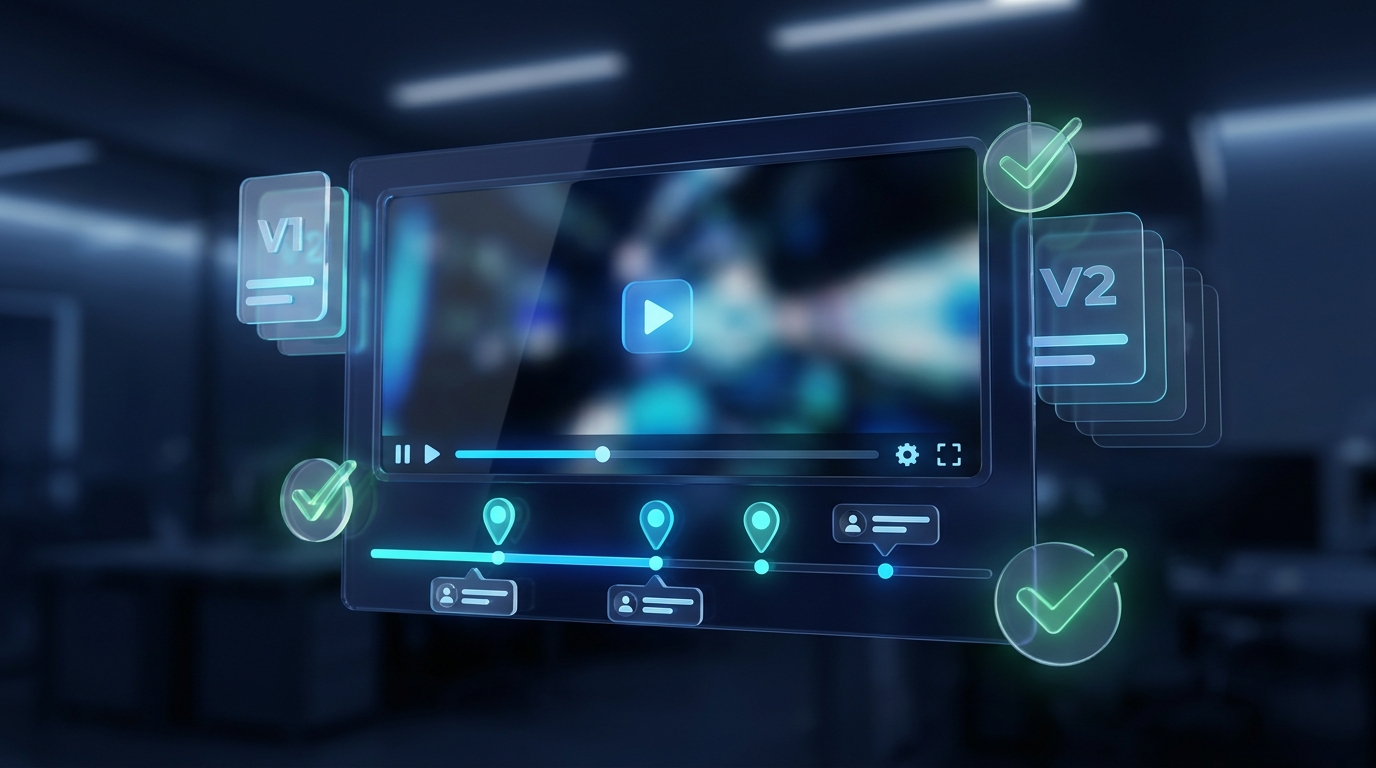
Find topic-led cuts, debate moments, and concise answers. Prepare teaser, educational, and authority clips without repeating the same idea.

Convert webinars, workshops, and tutorials into short explanations with enough context to teach rather than tease.
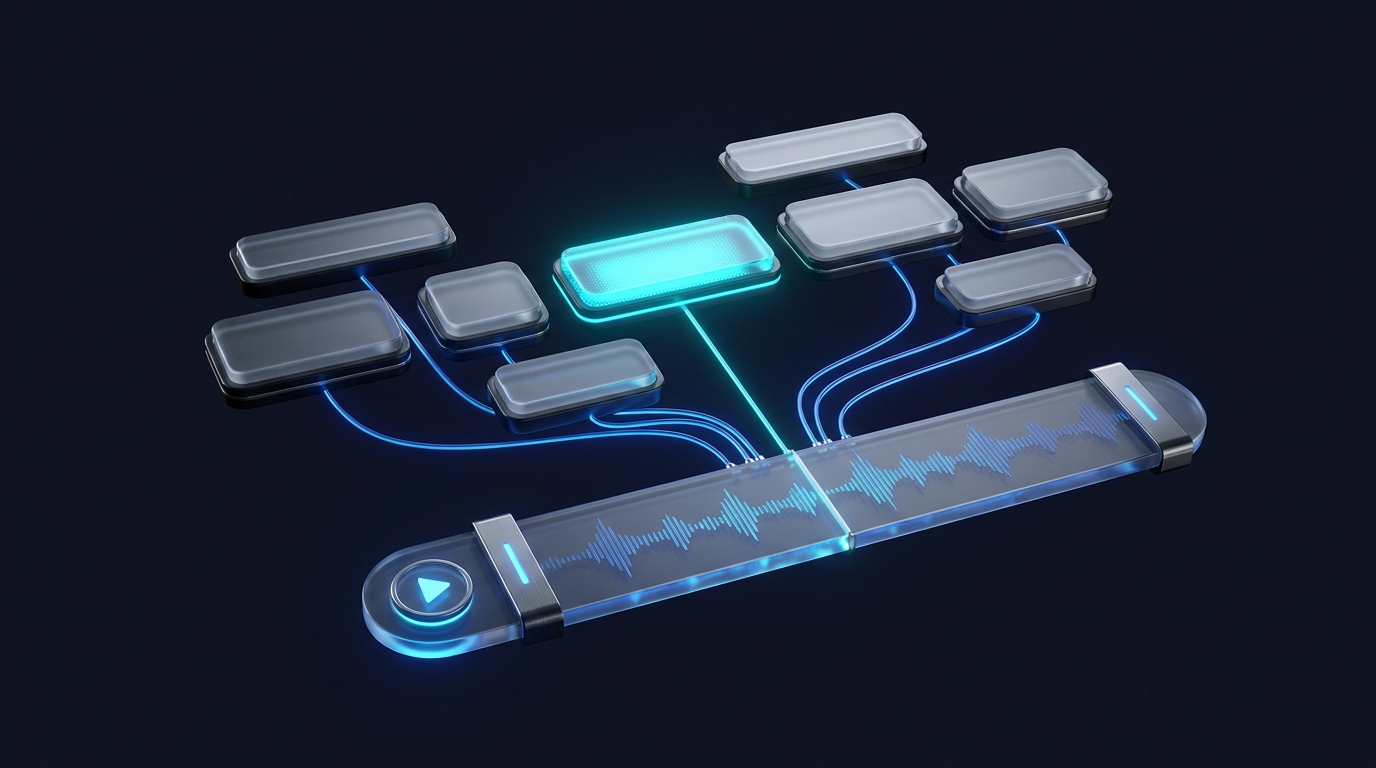
Repurpose interviews, customer conversations, and product updates into direct explanations for social and sales channels.
Keep naming, review, caption styling, and export structure consistent while editors retain control over every cut.
A fast, high-context opening designed to reach people who do not know the speaker yet.
A complete explanation that builds trust by solving one specific problem.
A clear opinion or contrast that gives the audience a reason to respond.
A relevant next step tied naturally to the idea, not pasted onto the ending.